Product Experience
The frontend uses the same visual language as this documentation: deep neutral surfaces, restrained teal accents, compact financial data, and clear hierarchy. Its main workflows are discovery, analysis, portfolio review, news, and trade-context capture.
Launch the live application to explore these workflows directly.
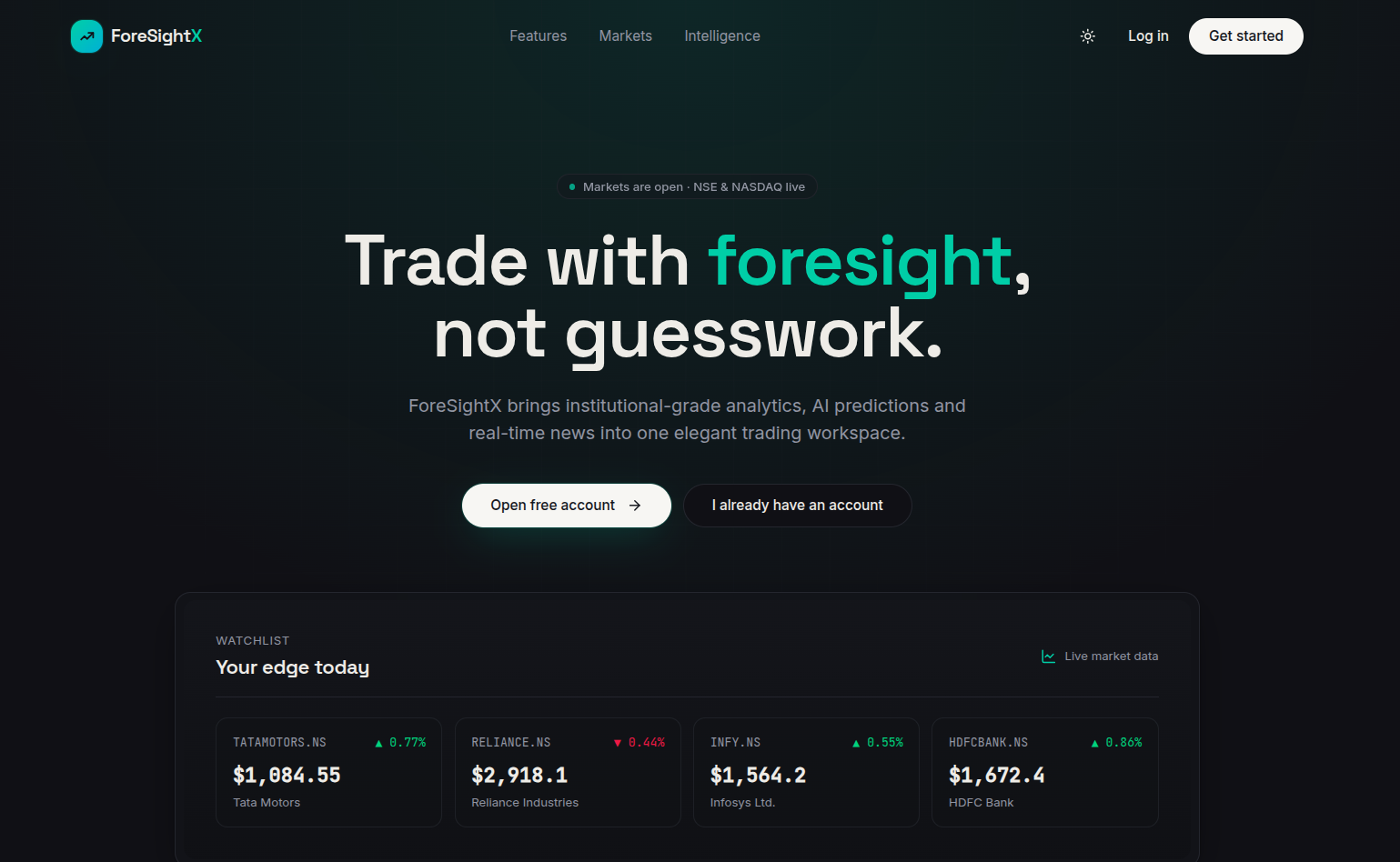
Landing and discovery
The landing page introduces the product and displays a compact market pulse before authentication. It directs new users into account creation and returning users into the application.
Stock analysis
The stock detail workflow combines a historical chart, current quote, market statistics, relevant news, and generated analysis in one view. This is the primary destination after searching for an instrument.
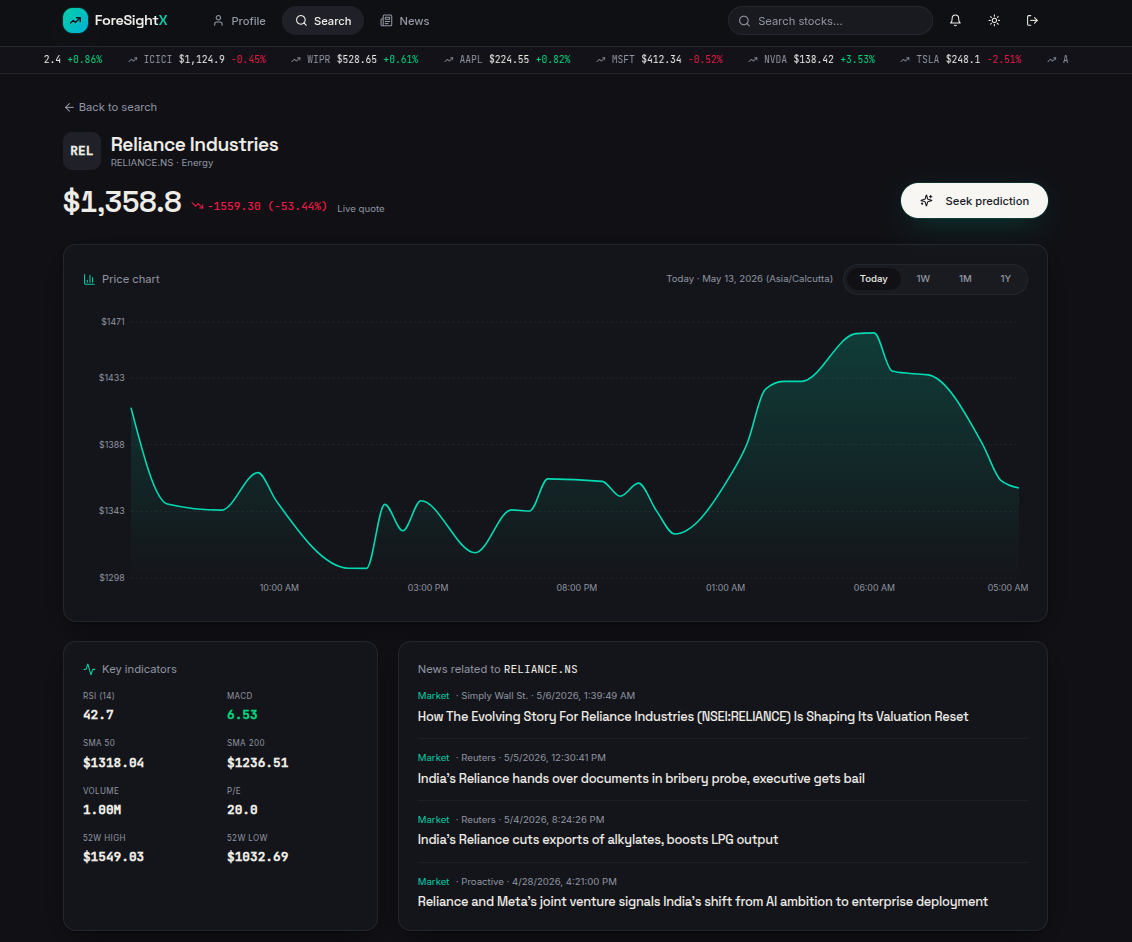
The platform is built for short-horizon analysis. Model output is accompanied by supporting market information so that a user is not asked to trust a direction label without context.
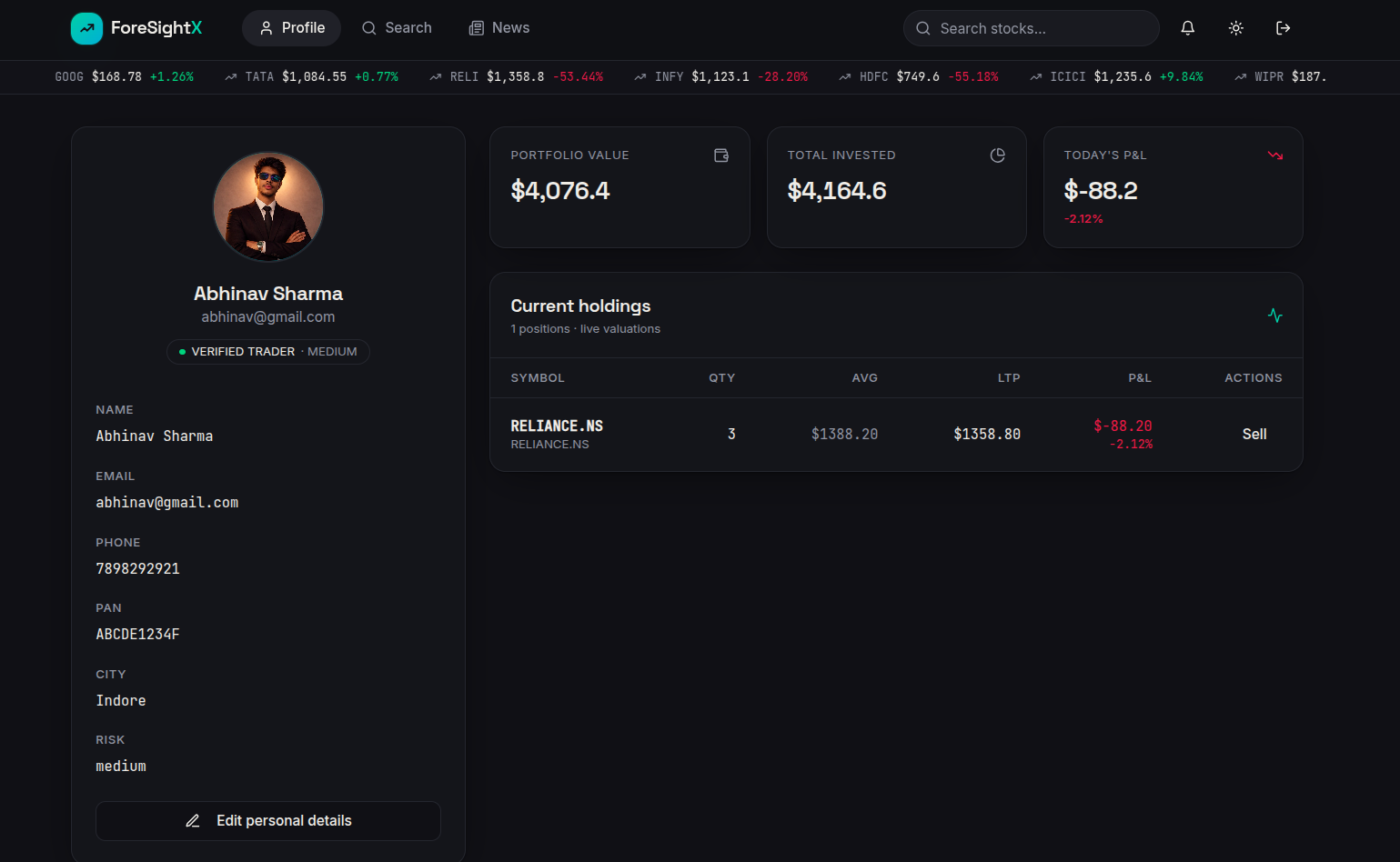
Portfolio and profile
The profile page joins identity information with current holdings and portfolio metrics. The profile service supplies portfolio and risk context to the orchestration workflow as well as to the UI.
Trade context
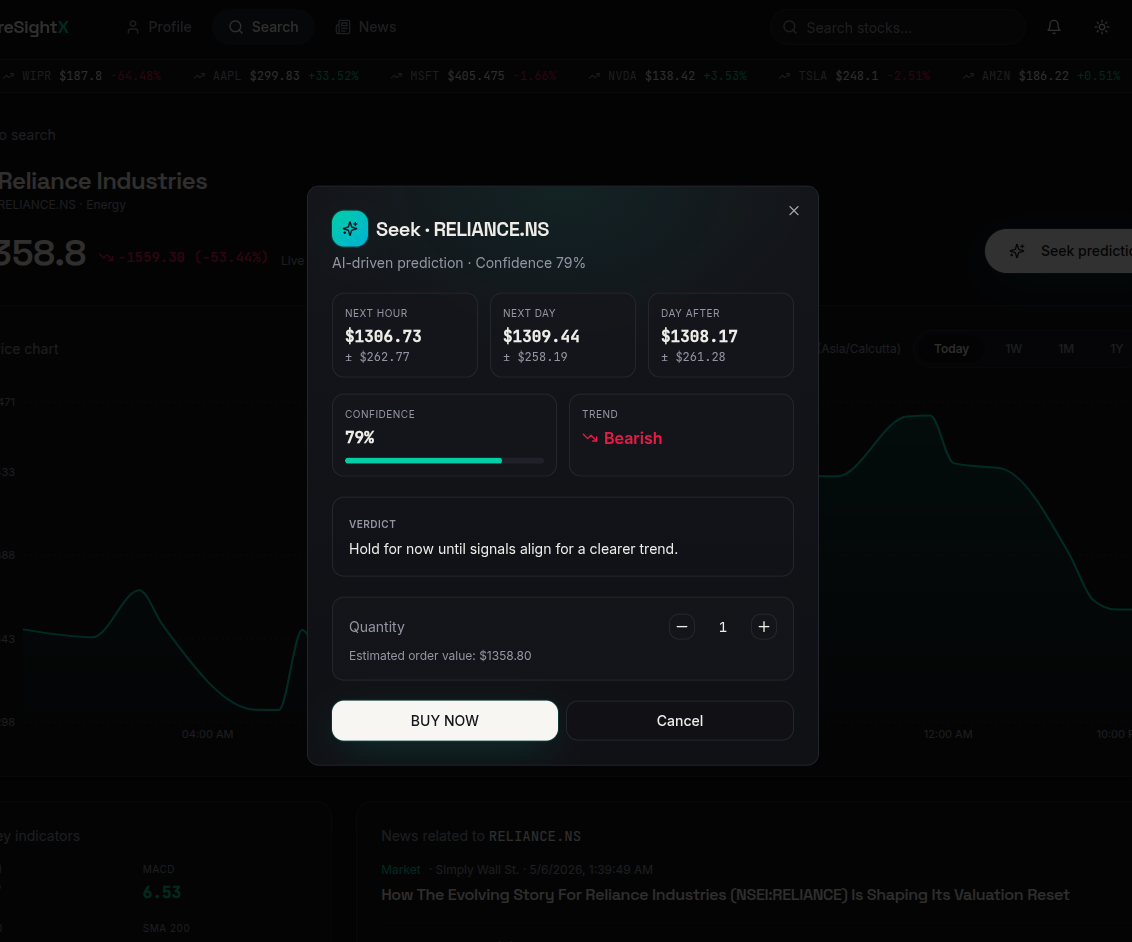
The trade modal captures instrument, side, quantity, and price. In the current project scope, this information supports portfolio state and decision context; ForesightX is not a connected brokerage execution terminal.
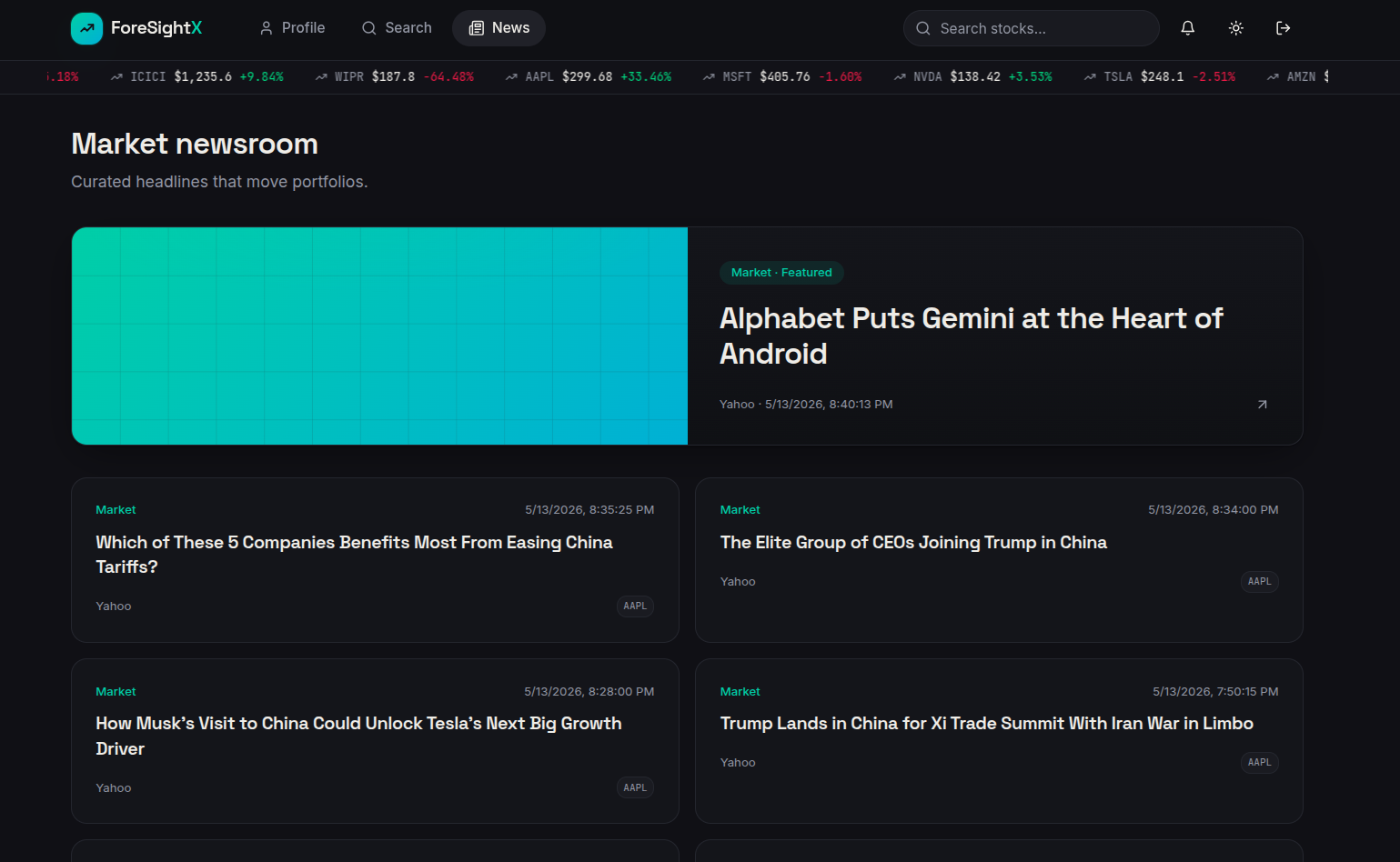
Market newsroom
The newsroom presents current financial stories in a card-based layout. News returned by the data service can also be used as supporting context during analysis.
Responsive behavior
The interface and documentation are designed to adapt across desktop, tablet, and mobile widths:
- Navigation collapses into an accessible mobile menu.
- Multi-column cards become single-column reading flows.
- Diagrams and screenshots remain horizontally contained.
- Tables allow horizontal scrolling rather than shrinking text beyond readability.
- Primary actions remain large enough for touch input.